Templates
Pay stub templates for every kind of business
Preview a professionally designed template, pick a color that fits your brand, and generate your stub in minutes. Every one includes accurate federal & state tax calculations and instant PDF download.
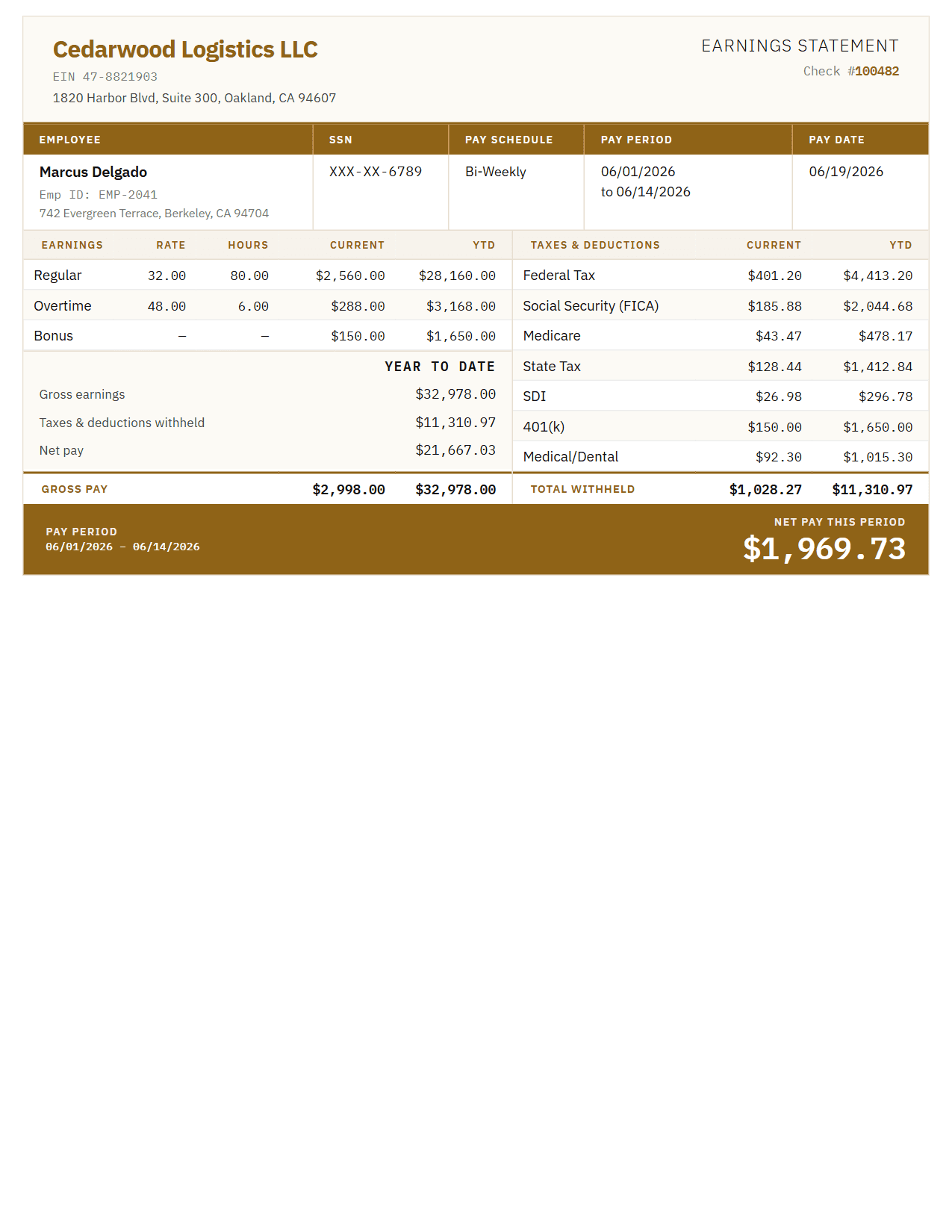
Cream Paper
Classic
A clean, traditional layout trusted by thousands of small businesses. Two columns, a year-to-date panel, and a subtotal on each side so the figures reconcile.
Color
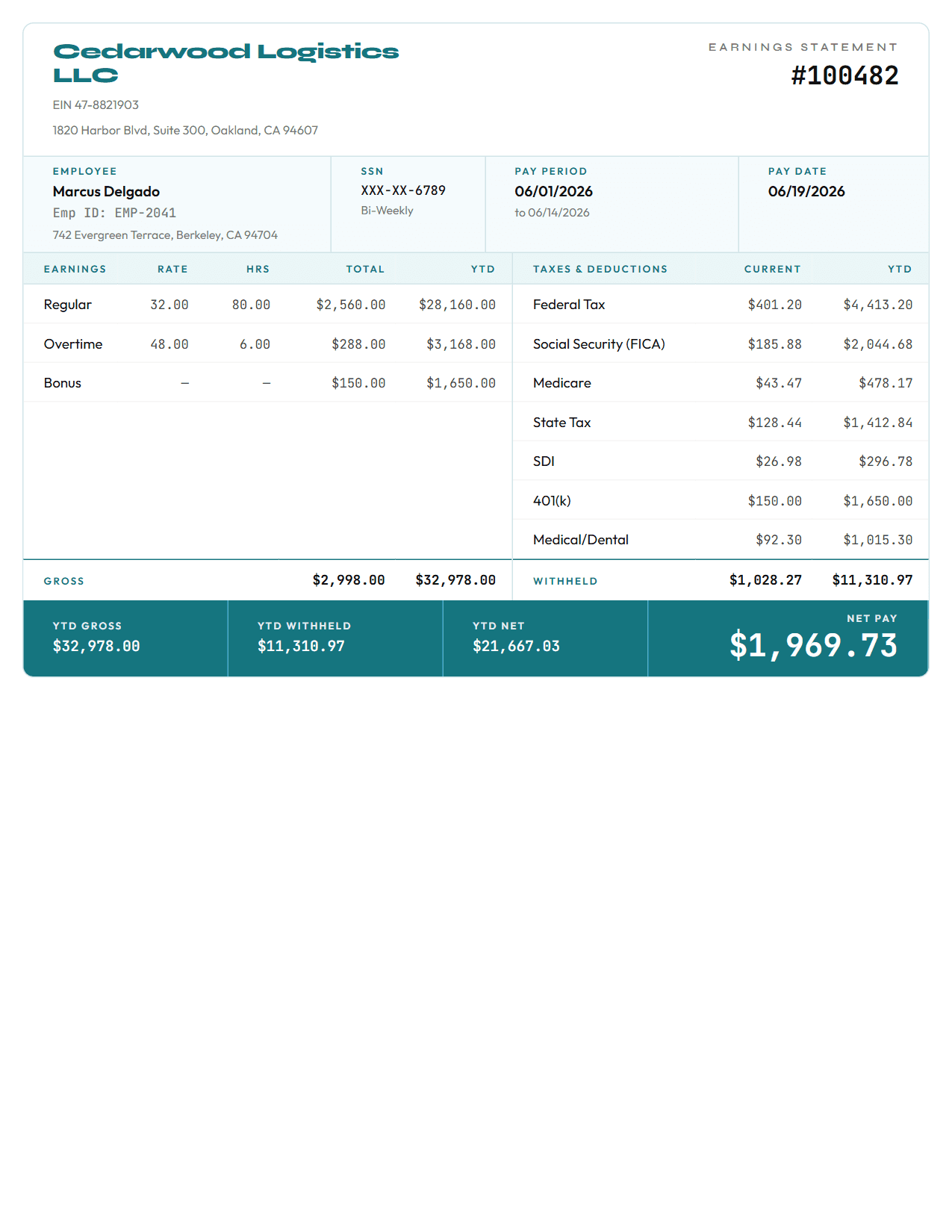
Aqua
Modern
An open, contemporary layout with generous spacing, monospace figures, and net pay called out in a full-width band.
Color
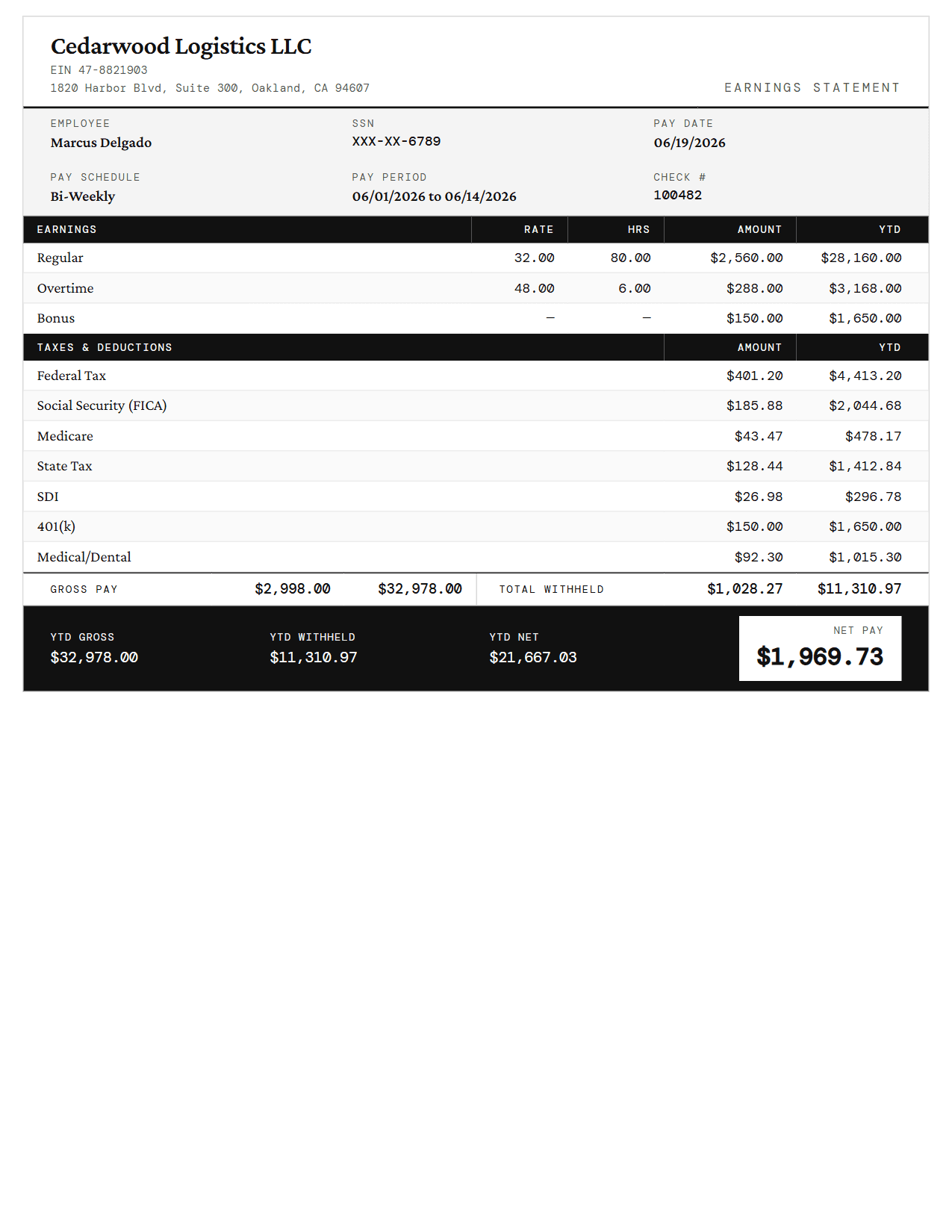
Ink Black
Compact
A space-efficient layout that fits all the essentials on a single page. Ideal for simple payroll with fewer deductions.
Color
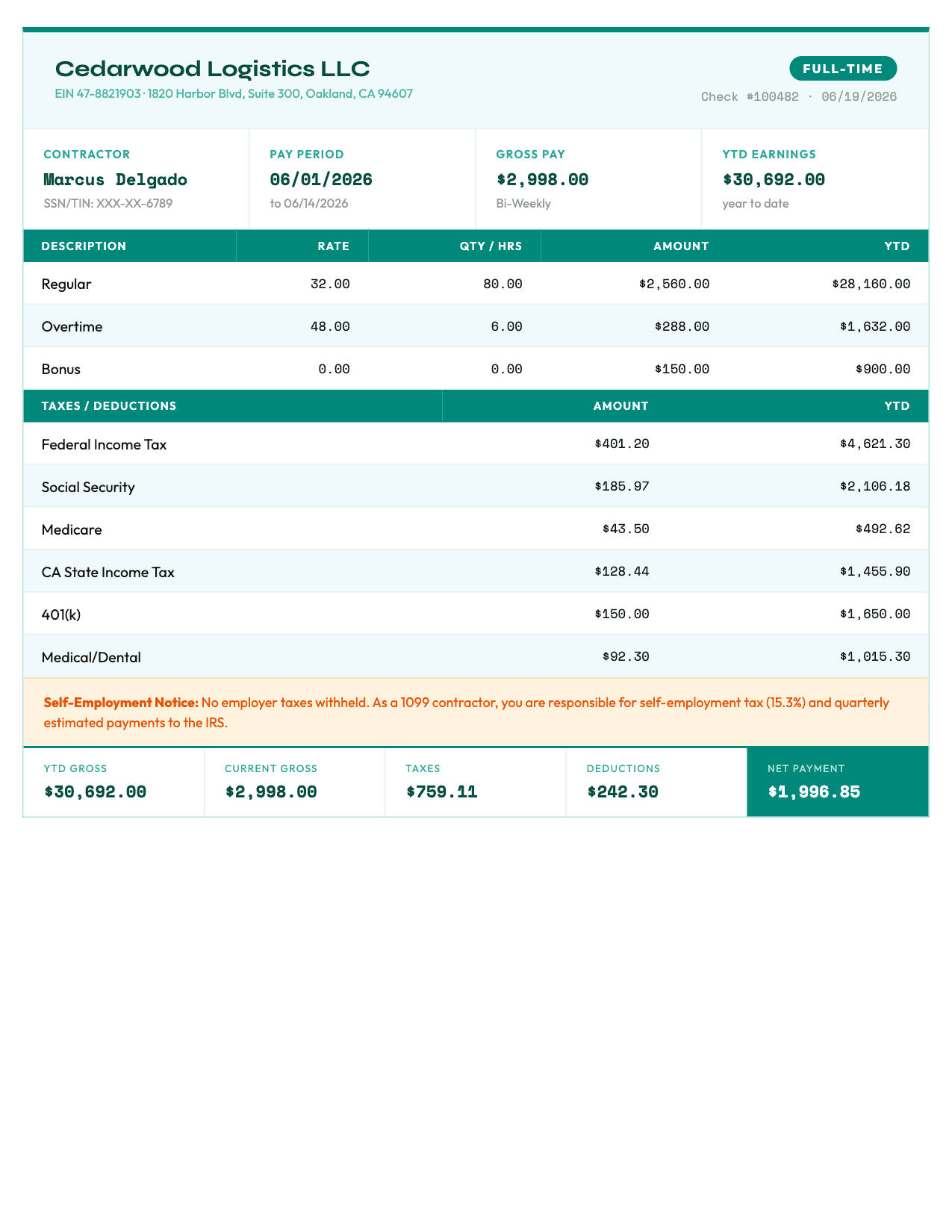
Teal Green
Contractor
Built for independent contractors and 1099 workers — leads with the payment, shows withholding as zero, and carries a self-employment tax notice.
Color
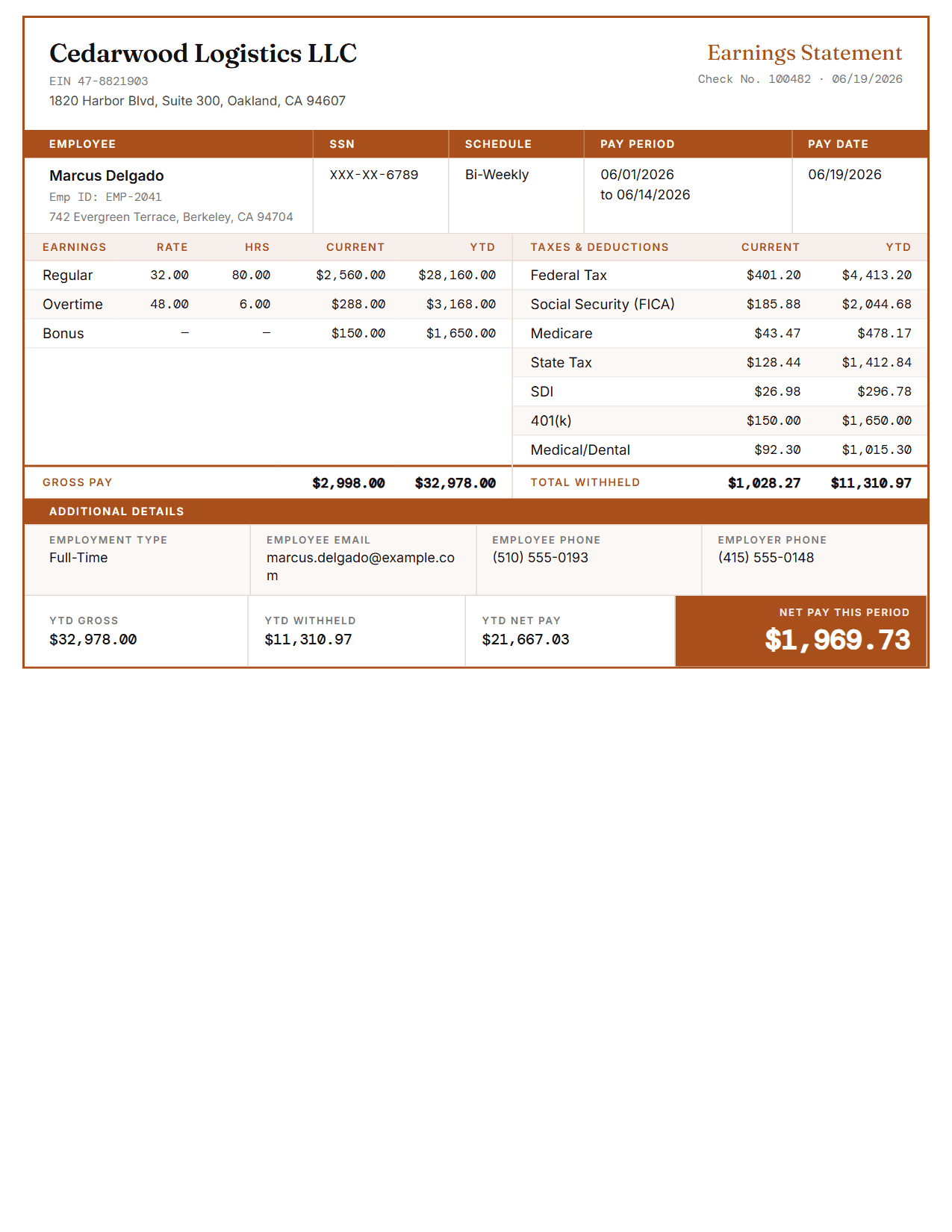
Burnt Orange
Detailed
A comprehensive template with expanded sections for multiple deductions, overtime and bonuses, plus an additional details block for contact and employment particulars.
Color
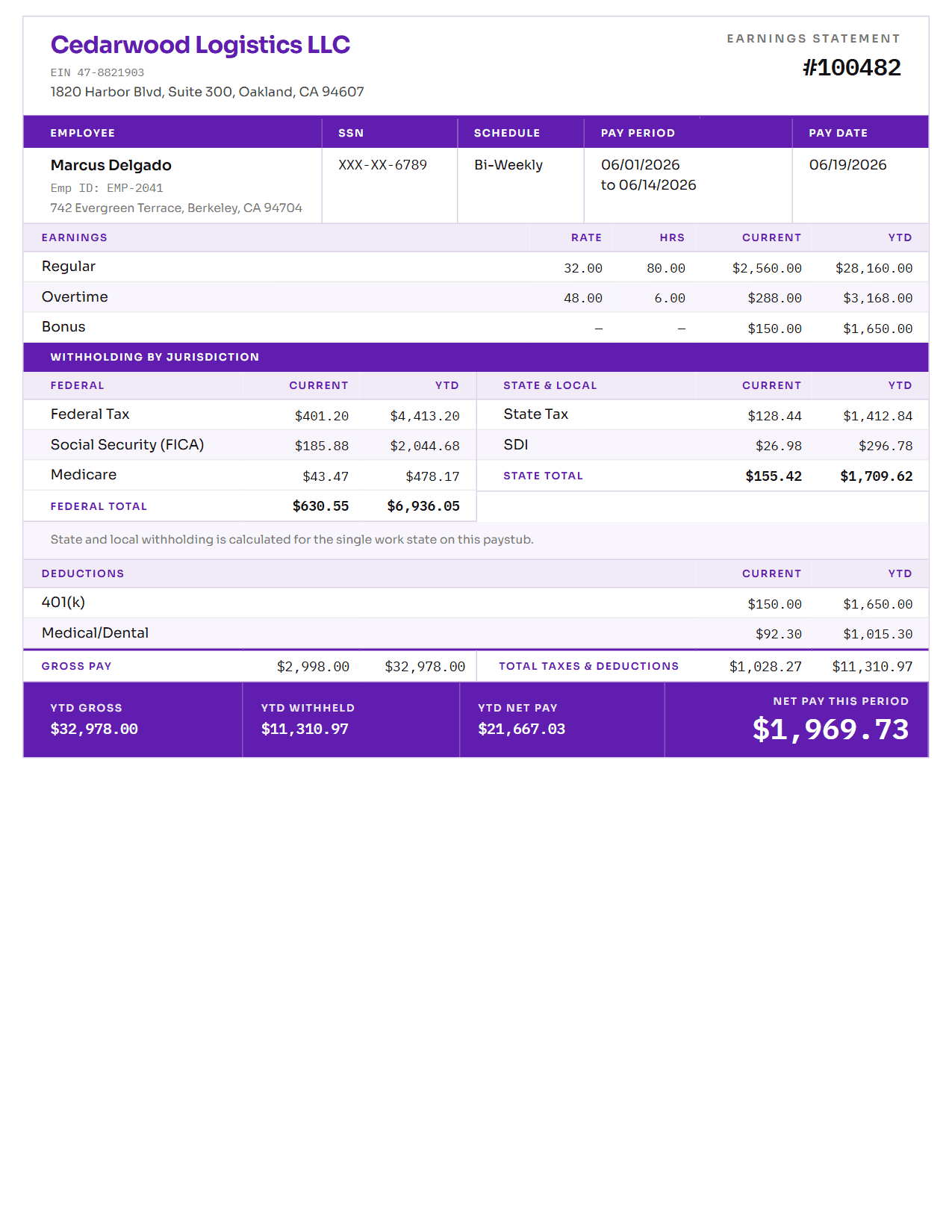
Lavender
Multi-State
Separates federal withholding from state and local, each with its own subtotal — so the two jurisdictions can be read apart rather than as one lump.
Color
All templates include federal & state tax calculations, YTD totals, optional time-off & direct-deposit sections, and professional formatting.
Choosing a pay stub template
Every template produces the same calculations — federal and state withholding, Social Security, Medicare, and year-to-date totals. The layout never changes the arithmetic; what changes is how much room it gives each part of it. Withholding is calculated for W-2 employees, so a stub created as a 1099 contractor shows the payment with nothing withheld. Colour is purely presentational, and every layout is designed to stay legible on a black-and-white printer.
Classic
The default choice, and the right one for most salaried W-2 employees. It carries every standard field — earnings, taxes, deductions, year-to-date totals — in the order people expect to read them, which matters when a stub is being handed to a landlord or a loan officer who scans hundreds of them. Earnings and withholding each carry their own subtotal, so the net pay figure can be checked against the lines above it.
Modern
The same information as Classic, arranged with more air: fewer rules, monospace figures that line up column to column, and net pay set in a full-width band at the foot of the sheet. Suits a business whose other paperwork already looks contemporary.
Compact
Best when payroll is simple: a flat salary or hourly rate, few or no voluntary deductions. Earnings and withholding stack full-width rather than sitting side by side, which keeps short payroll from looking like a page with a hole in it. Freelancers billing a single client tend to land here.
Contractor
For 1099 workers and independent contractors, where there is no employer withholding to show. It leads with the payment, hours and rate, and states withholding as $0.00 rather than leaving an empty tax table — a contractor statement usually needs to demonstrate that nothing was withheld, not just omit it. A self-employment notice sets out what the contractor owes the IRS directly.
Detailed
For payroll with real complexity: overtime at more than one rate, bonuses, commissions, several benefit deductions, garnishments. The expanded sections keep each item on its own line rather than collapsing them into a single total nobody can reconcile, and an additional details block carries the contact and employment particulars the other layouts leave out.
Multi-State
Separates federal withholding from state and local, each in its own column with its own subtotal, instead of listing all seven lines together. That is the split that matters at filing time. Note that a single pay stub carries withholding for one work state — the state recorded on that stub — so wages earned in a second state appear on that state's own statement rather than on this one.
You are not locked in. The template can be switched at any point while you build the stub, and previewing is free with unlimited revisions — so it costs nothing to render the same figures in two layouts and keep the one that reads better.